

What Is a Design System? A Plain-English Guide for Business Owners

The short answer
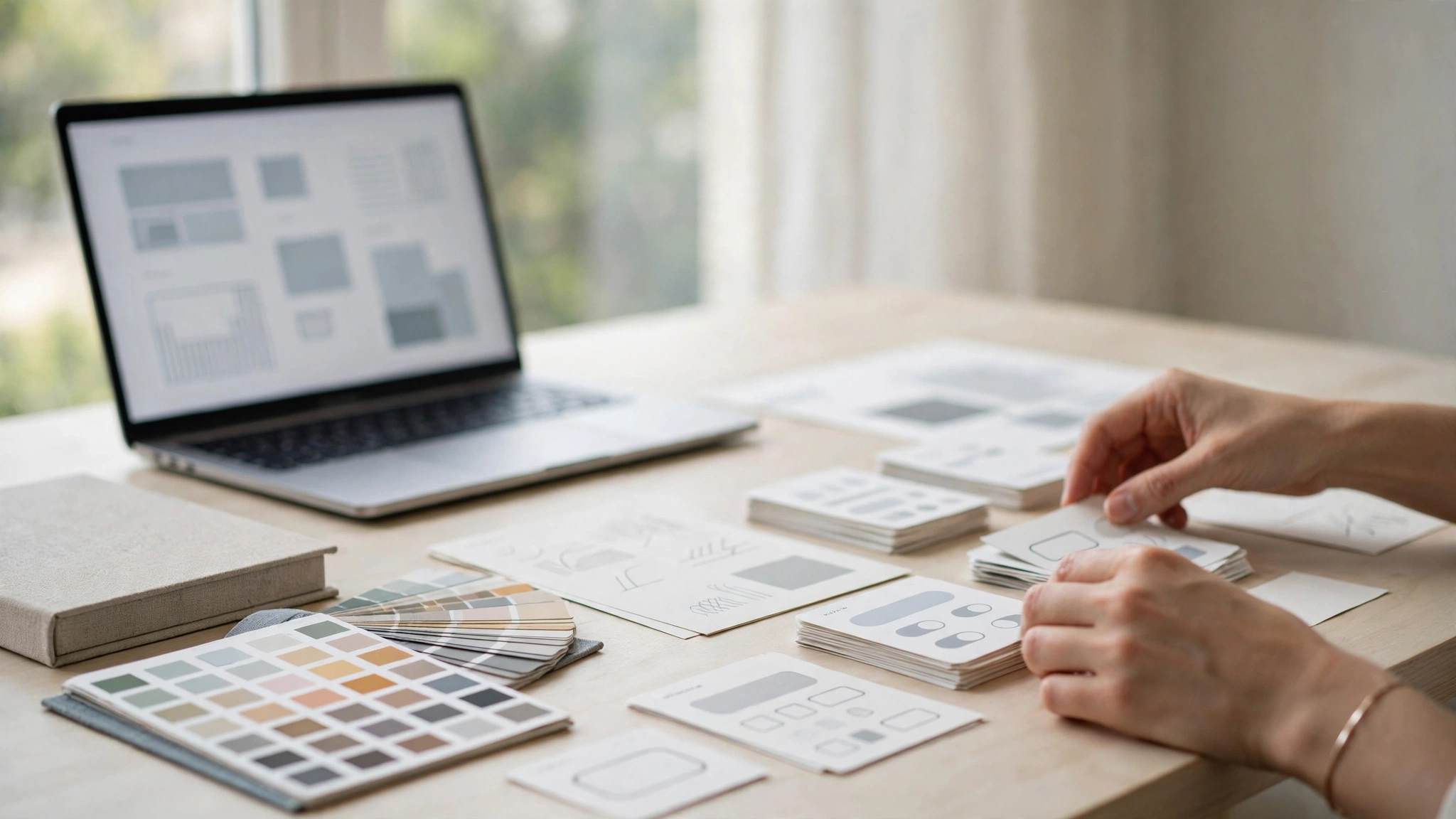
- A design system is: a library of reusable website or product parts, plus the rules for using them, kept in one place.
- A style guide is: a smaller document that covers look only, such as colours, fonts and logo use.
- A brand identity is: how a business looks and sounds everywhere, from a logo to a tone of voice.
- You need a design system when: your site has more than a few pages, more than one person changes it, or the same parts keep being rebuilt.
- A good starting point is: a UI/UX design project from itcroc LLC, from $1,200, which creates the core components, colours and type rules your team can reuse.
Why a design system matters once you grow
1. Consistency builds trust
When buttons, colours, headings and spacing are the same on every page, a website feels professional and reliable. Visitors stop noticing small differences and start trusting what you say. Without a system, every new page is a fresh chance to drift, and that drift is what makes a site look unfinished, even when the work is good.
2. Faster changes and launches
With a shared library, a new page starts from pieces that already exist and already work. A designer does not redraw a form, and a developer does not rebuild a button. That is how a small team ships a new landing page in days instead of weeks, and how a seasonal offer goes live while it is still relevant.
3. Cheaper changes over time
A change made once in a design system updates everywhere that part is used. Change a button colour, a form style or a price format in one place, and every page follows. Without that, the same change is made five times, tested five times, and usually missed once, which is how small fixes turn into expensive cleanups.
4. Easier onboarding for new staff and suppliers
A new designer, developer or writer can open the design system and see how things are supposed to look and work, instead of guessing from old pages. That shortens onboarding, reduces questions, and keeps quality steady when a team member changes or a new supplier starts work on your site.
5. Better accessibility and fewer errors
A system can build accessibility in once, with good colour contrast, clear focus states, readable type sizes and labels that screen readers understand. When those rules live in the components themselves, every new page inherits them. That means fewer mistakes, fewer complaints, and a site more people can actually use.
Not sure if your site needs a design system yet?
If your pages already look slightly different from each other, or a small change takes longer than it should, you do not need a bigger website. You need a clearer system. A design system turns those small, repeated decisions into one set of rules your whole team can follow, so every page starts from the same trusted parts.
Start with a free UX audit from itcroc LLC. A senior designer will review your website by hand, point out where inconsistency is costing you trust and sales, and explain the findings in plain English. You will receive your report within 5 business days, with clear next steps and no obligation.
Design system, style guide or brand identity: what is the difference?
A brand identity. This is the foundation. It covers your logo, your colours, your typography, your tone of voice and the story behind your business. It answers the question of who you are and why a customer should remember you. Without it, every design decision is a guess, and your website, your invoices and your social posts will all look like they belong to different businesses.
A style guide. This is the rule book for how the identity looks in practice. It sets the exact colour codes, the fonts and sizes, how the logo can and cannot be used, and the style of photography and icons. A style guide keeps things looking consistent, but it does not give you the working parts of a website. It tells you what a button should look like, not how to build one.
A design system. This includes the identity and the style guide, and adds the working parts: ready to use buttons, forms, cards, menus and page templates, plus the code, the spacing rules and the documentation that explains when to use each part. It is the only one of the three that a developer can build from directly, and the only one that keeps growing with your site.
A business usually needs them in that order. Start with a clear identity, write the style guide from it, and build a design system when your site has enough pages, or enough people working on it, that the same parts keep being rebuilt. That is the point where a system stops being a luxury and starts saving time and money.
The four parts of a design system
Components. Buttons, cards, forms, navigation, banners, modals and footers, each built once and reused everywhere. A component is not just how it looks, it is how it behaves: what happens on hover, on tap, when a form field has an error, and how it works on a small screen.
Colours, typography and spacing. A small set of colour tokens for text, backgrounds, borders and actions, a type scale for headings and body text, and a spacing scale for margins and padding. Tokens are named by their job, not by their value, so a primary action can change colour in one place without breaking anything.
Patterns and templates. Common page layouts and flows, such as a product page, a checkout, a contact form or a blog article, built from the same components. Patterns save the most time, because they answer layout questions before a new page is even started.
Rules and documentation. Short, plain guidance on when to use each part, what not to do, and how to handle accessibility, content and images. A system without documentation is just a folder of files. Good documentation is what makes it usable by the whole team.
What a design system is not
It is easy to buy a tool, or a file, and think the job is done. A design system is a way of working, not a single deliverable, and these common ideas will hold you back:
- Not just a Figma file. A file helps, but a system also needs code, rules and someone to keep it up to date.
- Not a one-off project. A system grows with your site. If nobody owns it, it goes out of date in months.
- Not only for big companies. Small teams benefit most, because they cannot afford to rebuild the same parts again and again.
- Not a limit on creativity. A good system frees designers from repeating basic work, so they can spend time on the parts that actually need fresh thinking.
Judge a system by how often your team uses it, not by how impressive it looks in a presentation.
Who uses it, and who keeps it up to date
Designers use it to design faster and stay consistent. Developers use it to build from tested code instead of starting from scratch. Writers use it to keep headings, labels and button text clear and consistent. Marketers use it to launch pages without waiting for a designer for every small change.
Ownership matters more than size. In a small business, one person usually owns the system, often the designer or the developer who built the site, and the rest of the team follows its rules. That owner reviews new requests, adds new parts when a real need appears, and removes parts that are no longer used. Without an owner, a system quietly stops matching the live site, and people stop trusting it.
If you work with itcroc LLC, your system can be part of a UI/UX design project, from $1,200, and kept healthy with a WordPress care plan from $49/month, which covers updates, backups, monitoring and security.
What a small business actually needs at each stage
- Just starting out. A clear brand identity, a small style guide, and a handful of core components: buttons, headings, forms and a contact page. Keep it simple, keep it consistent, and do not build parts you do not need yet.
- Growing, with more pages. Add the components your new pages actually use, a shared colour and type scale, and a short set of rules for images, spacing and button text. This is the stage where a system starts paying for itself.
- Adding a product, a store or a booking flow. Add product cards, checkout steps, booking forms and error messages as tested patterns. Test them on a phone first, because that is where most of your customers will meet them.
- Scaling the team. Add documentation, name an owner, and review new parts before they are added. A growing team needs the system more than a small team does, because more people means more chances to drift.
How much does a design system cost?
The cost depends on how much you already have. If you have a logo and a clear brand, a small system can be built as part of a UI/UX design project. If you are starting from nothing, you will need a brand identity first, then the design work, then the build. That is still cheaper than rebuilding the same pages again and again.
A practical way to think about it is in three parts. First, the design: the components, colours, type and rules, usually as part of UI/UX design from $1,200. Second, the build: putting those components into a working website, usually as part of Website Development from $1,300. Third, the upkeep: keeping the system matched to the live site, which a WordPress care plan from $49/month can cover.
A worked example: one real design system budget
Here is a realistic first budget for a small service business that wants a consistent site it can grow:
- Brand identity package: $600, logo, colours and typography, ready to use everywhere.
- UI/UX design: $1,200, structure and design for up to four pages, in Figma, with two revision rounds, including the core design system components.
- Website development: $1,300, the designed site built on WordPress, responsive, with contact and quote forms connected.
- WordPress care plan: $49/month, updates, backups, monitoring and security.
First-year total: $3,100 for the build, plus $49/month for care, for a site with a system your team can reuse on every new page.
Our prices, in the open
At itcroc LLC, every website starts with a free 30-minute discovery call. Prices are fixed before we start, you own your website, your domain and your files, and payment is 50% to start and 50% at delivery. To keep things simple, here are the prices that apply to a design system project:
- Brand Identity from $600
- UI/UX Design from $1,200
- Website Development from $1,300
- Motion Design from $320
- WordPress Care Plans from $49/month
Frequently asked questions
What is a design system, in one sentence?
A design system is a shared set of reusable website parts, colours, type and rules, kept in one place, so a team can build new pages that look and work the same way.
Do I need a design system for a small website?
Not always. A one-page site with one owner can work well with a simple style guide. A design system starts to pay off when your site has more than a few pages, more than one person changes it, or the same parts keep being rebuilt.
How is a design system different from a style guide?
A style guide covers look only, such as colours, fonts and logo use. A design system adds the working components, the code, the patterns and the documentation, so a developer can build from it directly.
How long does it take to build a design system?
A small, useful system for a business website can be built as part of a UI/UX design project, usually in a few weeks, depending on the number of pages and components. The key is to start with the parts you actually use, and add the rest over time.
Does a design system work with WordPress?
Yes. A design system can be built into a WordPress site, with reusable blocks, templates and components that your team can use for new pages without rebuilding them from scratch.
How much does a design system cost with itcroc LLC?
It depends on your starting point. UI/UX Design starts from $1,200, Website Development from $1,300, and Brand Identity from $600. Book a free 30-minute discovery call and you will get a fixed price before any work starts, with payment of 50% to start and 50% at delivery.
Not sure where to start?
If your pages already look slightly different, or a small change takes too long, start with a free UX audit from itcroc LLC. A senior designer will review your website by hand, explain the findings in plain English, and deliver your report within 5 business days. Or book a free 30-minute discovery call, and we will help you decide the smallest useful first step.
Keep reading
Build Better Digital Experiences.
itcroc helps businesses create modern websites, UI/UX design systems, Framer landing pages, and scalable WordPress solutions for optimal performance and growth.

