

Higgsfield AI: What It Is and What It Means for Short Video Content
Higgsfield became known for one thing: camera movement. A still photo, given a slow dolly, a crane lift, or an orbit, suddenly feels like a short film. That is why so many short videos on social media now start with a photo and end with a clip that looks like it was filmed with a real camera crew.
This guide explains what Higgsfield is, how a clip gets made, where it works best, what it costs, and what it cannot replace. It is written for business owners and small teams who want short video for social media, product teasers, and ad tests, without a full video shoot.

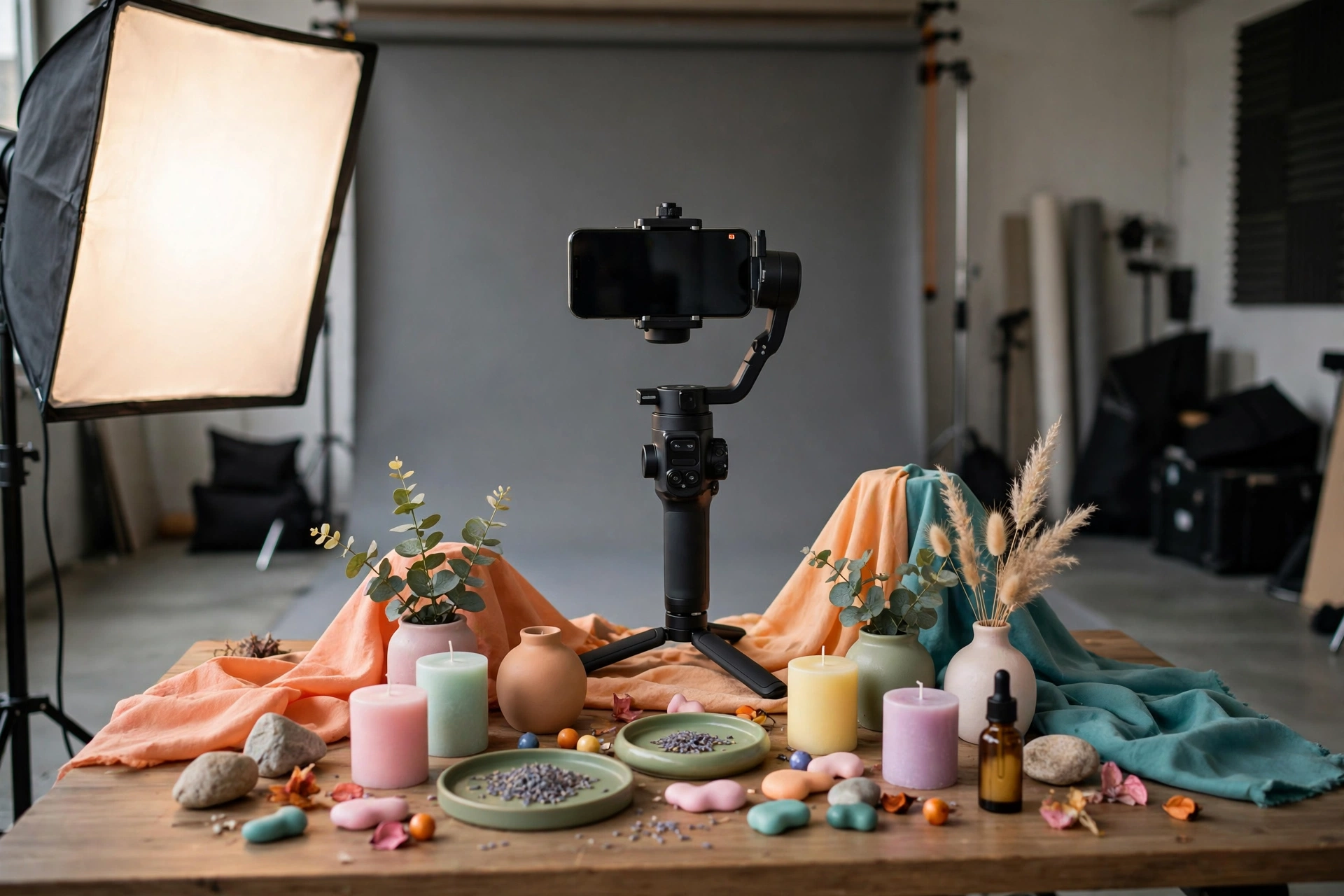
In one sentence, Higgsfield is an AI tool that turns text and photos into short videos. You start with a still photo, or a short written prompt, and Higgsfield creates a short moving clip from it. The result is a few seconds of video, made for social media, not a long film.
Most people use Higgsfield in a web browser or an app. You upload a photo, choose a camera move, and let the tool create the clip. You can try again with a different move, a different prompt, or a different starting photo, until the clip looks right. That try again process is a normal part of making AI video.
What Higgsfield is
Higgsfield is an AI video tool. It takes a still image, or a short description in words, and turns it into a short video clip. The clip is usually a few seconds long, and it is made to be watched on a phone, in a social media feed, or as part of an advert.
It became popular because of how it handles the camera. Most AI video tools move the subject, or add motion to the scene. Higgsfield is known for moving the camera instead, in the way a real film camera moves: slowly forward, up, around, or across a scene. That camera movement is what makes a simple photo feel cinematic.
- From a photo: upload a product photo, a portrait, or a location, and turn it into a moving clip.
- From a prompt: describe a scene in words, and Higgsfield creates a short clip from that description.
- Short clips: the result is a few seconds of video, made for social media and ad tests.
- Camera first: the main choice you make is how the camera should move, not how the scene should change.
Think of Higgsfield as a quick way to test a video idea, or to turn a good photo into a short clip. It is not a replacement for a planned video shoot, and it is not a video editor for long films.
The camera moves everyone talks about
1. Dolly: moving in, or pulling back
A dolly move is when the camera moves slowly towards the subject, or away from it. Moving in makes a product feel closer and more important. Pulling back reveals the scene around it. It is the simplest Higgsfield move, and often the most effective, because it feels calm and natural.
2. Crane: lifting up, or dropping down
A crane move lifts the camera up, or drops it down, over a scene. Lifting up can show a product in its setting, or a location from above. Dropping down can bring the viewer into a scene, from a wide view to a close one. Use it when the setting matters, not just the product.
3. Orbit: moving around the subject
An orbit move circles the camera around the subject. It shows a product from different angles, and it gives a clip a three dimensional feel. It works best with a clear, central subject, such as a product on a table, a bottle, or a piece of furniture, with space around it.
4. Tracking and pan: following the action
A tracking move follows a subject as it moves, and a pan turns the camera from side to side. These moves work well when there is a clear direction in the photo, such as a road, a person walking, or a product being used. They add a sense of movement without changing the scene itself.
5. Zoom and push in: drawing the eye
A slow zoom, or push in, draws the eye to one part of the photo. Use it to focus on a detail, such as a logo, a price, a face, or a feature of a product. A slow, gentle zoom feels cinematic. A fast zoom usually feels rushed, so keep it slow and simple.
How a Higgsfield video gets made
Making a Higgsfield video is a short process, and most of the work is in choosing a good starting photo and a clear camera move. A clear, well lit photo with one main subject works best. A busy photo, with lots of small details, is harder for the tool to turn into a clean clip.
Start with the photo, choose the move that fits the story, and let Higgsfield create a first version. Watch it, and ask whether the movement feels smooth, whether the subject stays clear, and whether the clip says what you want it to say. If it does not, try a different move, or a simpler photo, before you try a longer prompt.
- Pick a strong photo: one subject, clear light, and space around it for the camera to move.
- Choose one camera move: a dolly, a crane, or an orbit, not all three at once.
- Keep the prompt short: say what the clip should show, and how the camera should move.
- Make a few versions: try the same photo with two or three different moves, and pick the best one.
- Check it on a phone: most people will watch it on a phone, so check it there first.
AI video looks fun, but will it sell your product?
Short clips get attention, a clear website closes the sale. Send us your website and we will check what to fix first.
Where Higgsfield works best
Higgsfield works best for short, simple jobs. A product teaser, a social media clip, a test for an advert, or a way to bring a still photo to life. In those jobs, a few seconds of smooth camera movement can be enough to stop someone scrolling, and to make them look at a product for a second longer.
It is less useful for long, detailed, or complex videos. A video that needs to explain a product, to show a real person using it, or to tell a story over a minute will need a real shoot, a real presenter, or a planned edit. Higgsfield is a tool for short clips, not for a full video campaign on its own.
- Social clips: a short clip for a feed, made from a photo you already have.
- Product teasers: a product shown with a slow dolly or orbit, before a launch.
- Ad tests: a few different clips, made quickly, to test which idea gets attention.
- Bringing a photo to life: a location, a room, or a product, shown with a gentle camera move.
Use Higgsfield where a short clip is enough, and where you can test a few versions quickly. That is where it saves time and money, compared with booking a shoot for every idea.
Social clips that stop the scroll
One idea per clip. A single product, a single message, and a single camera move, so the viewer knows what to look at.
Start with a photo you already have. A good product photo, a location, or a team photo can become a clip in minutes.
Keep it short. A few seconds is enough for a feed. If the clip needs more time to explain itself, it is probably the wrong job for Higgsfield.
Product teasers that show the product
Show the product clearly. A slow dolly or orbit lets the viewer see the shape, the colour, and the details.
Tease, do not explain. A teaser should make people want to know more, not try to tell them everything.
Link it to a clear page. A teaser works best when it leads to a product page that is clear, fast, and easy to trust.
Ad tests you can run in a day
- Pick one product: choose the product or offer you want to test.
- Make three versions: the same photo, with a dolly, a crane, and an orbit.
- Test them: run the clips as short adverts, and see which one gets the most attention.
- Keep the winner: use the best clip, and test a new idea next time.
What Higgsfield costs
Higgsfield is credit based, with paid plans. That means you pay for credits, and each video you create uses some of those credits. A short clip uses fewer credits than a longer one, and trying again with a different move uses more credits, so it is worth planning a clip before you start.
There are paid plans for different levels of use. A light user, testing a few clips a month, will need far fewer credits than a team making clips every week for social media and adverts. Prices and credit amounts can change, so check the current pricing page on the Higgsfield website before you commit to a plan.
- Credit based: you use credits to create clips, and each clip costs credits.
- Paid plans: different plans give you different amounts of credits, for different levels of use.
- Try again costs credits: making a few versions of the same clip will use more credits, so plan first.
For a small business, the sensible way to start is with a small plan, or the lowest paid plan that fits your needs, and to test it on real work. See how many credits a good clip actually takes, and how often you will use it, before you move to a larger plan.
Limits: what it cannot replace
Higgsfield has clear limits. Clips are short, and the result can be unpredictable. A face, a hand, text in a photo, or a complex scene can come out wrong, and a clip that looks good on a first watch may have a small error on a second watch. Always watch a clip in full, on a phone, before you publish it.
- Short clips only: Higgsfield makes short clips, not long videos, explainers, or stories.
- Not a real shoot: it cannot film a real person, a real place, or a real product in use. For that, you need a camera, a person, and a plan.
- Credit based cost: every try costs credits, so testing many versions can add up.
- Brand video needs a person: a planned brand video, with a clear message and a consistent look, needs a human team. At itcroc LLC, Motion Design starts from $320, and it is the human made alternative for video that needs to be right.
Use Higgsfield for short, simple clips, and use a planned shoot or a human designer for the video that represents your brand. That way, you get the speed of AI where it helps, and the quality of a person where it matters.
Frequently asked questions
What is Higgsfield AI?
Higgsfield is an AI video tool that turns text and photos into short videos with cinematic camera moves. You start with a photo or a short prompt, and it creates a short clip, usually a few seconds long, made for social media.
Is Higgsfield free?
Higgsfield is credit based, with paid plans. You use credits to create clips, and each clip costs credits. Check the current pricing page on the Higgsfield website for the plans and what is included.
What kind of videos can Higgsfield make?
Short video clips, usually a few seconds long, made from a photo or a short prompt. They work best for social media clips, product teasers, and ad tests, where a smooth camera move is enough to get attention.
Do I need filming skills to use Higgsfield?
No. You upload a photo, choose a camera move, and let Higgsfield create the clip. It helps to know what makes a good shot, such as a clear subject and good light, but you do not need a camera or filming experience to try it.
Can Higgsfield replace a video shoot?
No. Higgsfield makes short clips, and it cannot film a real person, a real place, or a real product in use. For a planned brand video, or a video that needs to explain a product, you still need a real shoot, or a human made video. At itcroc LLC, Motion Design starts from $320.
Is Higgsfield good for business marketing?
Yes, for short social clips, product teasers, and ad tests. It is a quick way to test video ideas and to turn a good photo into a clip. Always watch the clip in full before you publish it, and make sure the page it leads to is clear and easy to trust.
Not sure what your site actually needs?
Start with a free UX audit. Send us your current website and a senior designer will review it by hand and send you a clear report on what to fix first, and what it would cost. At itcroc LLC, Website Development starts from $1,300, Motion Design from $320, and Brand Identity from $600. Get your free UX audit or book a free 30-minute discovery call if you would rather talk it through first.
Keep reading
Build Better Digital Experiences.
itcroc helps businesses create modern websites, UI/UX design systems, Framer landing pages, and scalable WordPress solutions for optimal performance and growth.

