

Website Design for Restaurants: What Turns Hungry Visitors Into Bookings
People rarely plan a restaurant visit days ahead. They search on a phone, often while they are already hungry, and they decide in minutes. The menu, the photos, the opening hours, the location and the way to book or order are all checked before anyone reads a word about the story of the restaurant.
That is why a restaurant website is not a brochure. It is a sales tool that works at the exact moment a hungry visitor is choosing between your restaurant and the one next door. This guide shows what diners check first, what makes a menu page work on a phone, how photos sell food, how bookings and orders should work, and what a good restaurant website should cost.

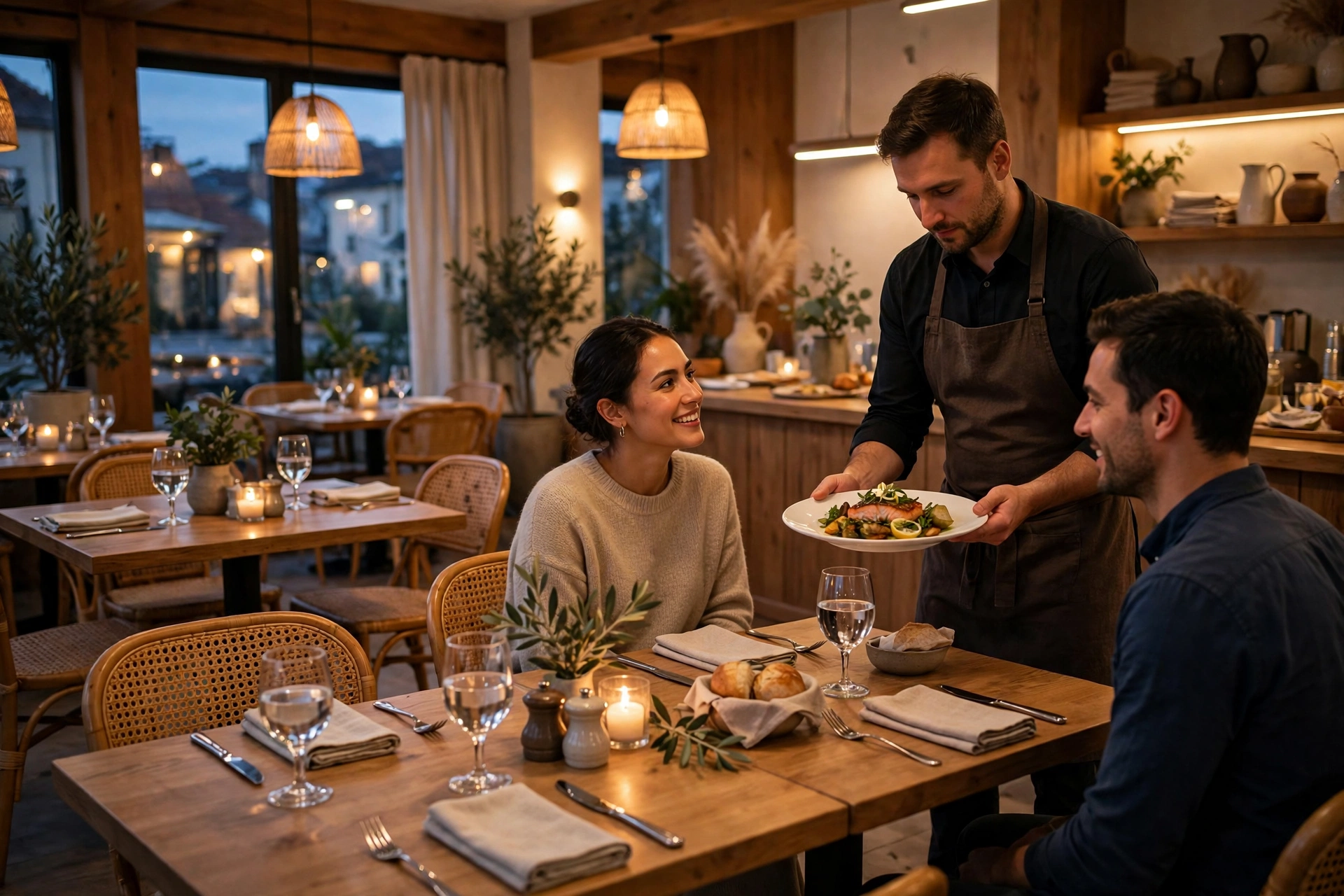
Most restaurant searches start with a simple question: where should we eat? The visitor may be on the street nearby, at home planning a birthday, or in a hotel looking for dinner. In each case, the website has only a few seconds to answer the questions that matter. If the menu is hard to find, the photos look old, or the booking button is buried, the visitor does not complain. They simply go back to the search results and choose another restaurant.
This guide is written for restaurant owners, managers and the people who run their marketing. It explains what diners check first, how to build a menu page that works on a phone, what kind of photos actually sell food, how to make bookings and orders easy, and how local search brings people through the door. It also gives honest price ranges, so you can tell a fair quote from a cheap one that will cost more later.
What diners check first
Diners do not read a restaurant website the way they read a book. They scan it for five things, and they leave quickly if any of them is missing or hard to find.
- The menu, with prices. What you serve, what it costs, and whether there are vegetarian, vegan or gluten free options.
- Photos of the food and the room. Real photos, taken recently, that show what the dishes and the dining room actually look like.
- Opening hours. Is it open now, when does the kitchen close, and is it open on Sundays or holidays?
- Location and parking. The address, a map, and a short note about parking or public transport.
- Booking or ordering. A clear button to reserve a table, order takeaway, or call the restaurant, without creating an account first.
- Reviews and trust signals. A rating, recent reviews, or awards that reassure a first time visitor.
Everything after this section explains how to get those six things right, and how much it should cost. The details change with the type of restaurant, but the checklist does not. A small cafe, a family restaurant and a fine dining room all need the same six answers, presented clearly on a phone.
Five factors decide almost the entire result: the menu page, the photos, the booking flow, the local search setup and the speed of the site.
A menu page that actually works on a phone
1. Put the menu in plain text, not a PDF
A PDF menu is slow to open on a phone, hard to read on a small screen, and invisible to Google search. Put the menu on a normal web page, in plain text, with each dish, its description and its price. Google can then show your dishes in search results, visitors can search the page for a dish or an ingredient, and you can update a price in minutes without making a new file.
2. Show prices and dietary information clearly
Diners decide with prices in mind, so hiding them creates doubt. Show the price next to every dish, and mark vegetarian, vegan, gluten free and spicy dishes clearly. If a dish contains common allergens, say so on the page. Clear prices and clear dietary notes build trust, and they stop people from calling to ask questions your website should have answered.
3. Make the menu easy to scan on a small screen
On a phone, a long menu should be easy to scan, not a wall of text. Group dishes under short headings, such as starters, mains, desserts and drinks, and keep each description to one short line. Add a link that jumps to each section, so a visitor can find the vegetarian mains or the dessert list without scrolling through everything.
4. Keep opening hours and location next to the menu
A visitor who has chosen a dish wants to know whether you are open and how to get there. Put today's opening hours, the address and a map link close to the menu, and update the hours for holidays and special days. A restaurant that is closed on Mondays should say so clearly, rather than letting a visitor arrive at a locked door.
5. Test the menu on a real phone, not just a desktop
Most diners will see your menu on a phone, often with one hand and a slow connection. Test it on a real phone before you launch, and again after every change. Check that the text is large enough to read, the prices line up, the images load fast, and the booking button stays visible while the visitor scrolls. If it is hard to use on a phone, it does not matter how good it looks on a desktop.
Photos that sell the food
People eat with their eyes first, and that is even more true online. A visitor who has never been to your restaurant will judge the food from the photos, and those photos decide whether they book a table or keep searching. Stock photos of food that you do not serve are worse than no photos at all, because they set up a disappointment on the first visit.
Real photos of your real dishes. Photograph the dishes you actually serve, plated the way you serve them. Natural light, a clean background and a recent photo beat a perfect studio shot of a dish that is no longer on the menu. Update the photos when the menu changes, so the website always shows what a visitor will get.
Photos that show portion and price. A photo should help a visitor choose. Show the dish from above or from the side, with enough context to judge the portion. A beautiful close up that hides the size of the plate leaves the visitor guessing, and guessing visitors are less likely to book.
The dining room and the atmosphere. Diners also choose a place for the room. Show the tables, the lighting and the space as it looks on a normal evening, not only when it is empty. A warm photo of a full room tells a visitor more about the atmosphere than a paragraph of description.
Is your website filling tables, or just listing your menu?
Diners decide in minutes, usually on a phone. Send us your restaurant website and we will check the menu, booking and local search, and tell you what to fix first.
Bookings, orders and phone calls made easy
A restaurant website earns its keep when it turns a visitor into a booking, an order or a phone call. That means the next step should be obvious on every page, and it should take seconds, not minutes.
Online reservations. A booking form should ask for the date, the time, the number of guests and a name and phone number, and nothing else. Confirm the booking on screen straight away, and send a confirmation by text or email. If the form asks for an account, a long address or a deposit before the visitor has decided, many will give up and call, or go elsewhere.
Online ordering and takeaway. If you offer takeaway or delivery, the order flow should be as simple as the booking flow. Show the menu with prices, let the visitor choose a pickup time, and take payment online or on collection. Make it clear whether delivery is available, what it costs, and how long it takes, before the visitor reaches the checkout.
Phone calls. Many diners still prefer to call, especially for large groups or special occasions. Put the phone number at the top of every page, as a button that dials when tapped on a phone. Answer the phone during opening hours, and if you miss a call, call back the same day. A phone number that goes unanswered is a lost booking.
Make booking take less than a minute
Time a booking from the home page, on a phone, with one hand. If it takes more than a minute, or more than three steps, shorten it. Remove every field that is not needed to hold the table, and let the visitor choose the date and time from a simple calendar, not a long dropdown list.
Show a phone number that works with one tap
On a phone, a phone number should be a button, not plain text that a visitor has to copy. Put it in the header, next to the booking button, and on the contact page. Test it by tapping it yourself, and make sure it dials the right number.
Confirm the booking, and remind people
A booking is only useful if the visitor turns up. Confirm it straight away, send a reminder the day before, and make it easy to change or cancel. Clear confirmation and a simple reminder cut no shows, and they make the restaurant look organised and professional.
Local SEO and Google Business Profile
Most restaurant searches are local. People search for a restaurant near them, a restaurant in a town or area, or a type of food close to where they are. Google shows a map with three restaurants first, and many visitors never scroll past that map. Local search is where a restaurant website wins or loses most of its bookings.
- Claim and complete your Google Business Profile. Add your exact name, address, phone number, opening hours, menu link and recent photos, and keep them up to date. A complete profile with recent photos and reviews is far more likely to appear in the map results.
- Use the same name, address and phone everywhere. Your website, your Google Business Profile, your social media and any listing sites should all show the same details, spelled the same way. Small differences confuse Google and can push you down the results.
- Ask for reviews, and answer them. Ask happy diners to leave a review on Google, and reply to every review, good or bad, in a polite and short way. Reviews are a ranking signal for Google, and they are a trust signal for the next visitor who reads them.
- Use local words on your own pages. Your home page and menu page should mention the town or area, the type of food and the occasions you serve, in natural language. A page that says Italian restaurant in the town where you are will rank better for local searches than a page that only says Italian restaurant.
What a restaurant website should cost
A restaurant website is usually a small business website, with a menu, a booking or ordering flow, photos and local search setup. At itcroc LLC, Website Development starts from $1,300 for a complete, professionally designed and built website. A simple site for a small cafe can be close to that starting price, while a larger restaurant with online ordering, multiple menus and a gallery will cost more, because it needs more pages, more design work and more testing.
Design work is priced separately when it is needed. Brand Identity starts from $600, UI/UX Design starts from $1,200, and Motion Design starts from $320. Most restaurants do not need all of these at once.
After launch, the website needs care. WordPress Care Plans from itcroc LLC cost $49, $169 and $339 per month, depending on the level of cover. A $49 per month plan is cheaper than one emergency cleanup after an update breaks the booking form. For a restaurant, the booking form and the menu are the parts that must never break, so a care plan is part of the real cost, not an optional extra.
A restaurant website budget, line by line
To make all of this concrete, here is a realistic first year budget for a small restaurant that needs to look established and turn visitors into bookings:
- Brand identity package: $600, logo, colours and typography, ready to use everywhere
- UI/UX design: $1,200, structure and design for the home page, menu, booking and contact pages, with two revision rounds
- Website development: $1,300, the designed site built on WordPress, responsive, with the menu, booking form and map connected
- Food photography: budget for a half day shoot, so the dishes on the site are the dishes you serve
- WordPress care plan: $49 per month, $588 per year, updates, backups, monitoring, security and a monthly health report
First year total: roughly $3,700 plus photography. After that, the running cost drops to hosting plus the care plan, because the design and build are already done.
Our prices, in the open
- Brand Identity: from $600
- UI/UX Design: from $1,200
- Website Development: from $1,300
- Motion Design: from $320
- WordPress Care Plans: $49, $169 and $339 per month
- Custom software and MVP: quoted per scope
Frequently asked questions
Do restaurants need a website?
Yes. Diners search on a phone before they choose where to eat, and a restaurant with no website, or with an out of date one, loses those diners to the restaurant next door. A website also lets you control the menu, the prices and the booking link, instead of leaving them to listing sites that may show old information.
What should a restaurant website include?
A menu with prices in plain text, real photos of the food and the room, opening hours, the address and a map, and a clear way to book a table, order takeaway or call. Those six things should be easy to find on a phone, within one or two taps from the home page.
Should a restaurant menu be a PDF?
No. A PDF menu is slow to open on a phone, hard to read on a small screen, and invisible to Google search. Put the menu on a normal web page in plain text, so visitors can search it, Google can show it in results, and you can update a price in minutes.
How do people find restaurants online?
Most people search on Google for a type of food near them, or for a restaurant by name, and they check the map results first. A complete Google Business Profile, recent reviews, and a website that mentions the town and the type of food help a restaurant appear in those results.
How much does a restaurant website cost?
At itcroc LLC, Website Development starts from $1,300. A simple site for a small cafe can be close to that price, while a larger restaurant with online ordering will cost more. WordPress Care Plans cost $49, $169 and $339 per month, depending on the level of cover.
Does a restaurant website help with Google ranking?
Yes. A fast website with a clear menu, local words, recent photos and a complete Google Business Profile is more likely to appear in local search and map results. A slow site with a PDF menu and no local information will rank lower, even if the food is better.
Not sure what your site actually needs?
Start with a free UX audit. Send us your current restaurant website and a senior designer will review it by hand and send you a clear report, in plain English, with the fixes that matter most for bookings. The audit is free, and there is no obligation to buy anything. If the audit finds work worth doing, fixes can follow through UI/UX design from $1,200 or a website rebuild from $1,300.
Keep reading
Build Better Digital Experiences.
itcroc helps businesses create modern websites, UI/UX design systems, Framer landing pages, and scalable WordPress solutions for optimal performance and growth.

