

How Much Does a Mobile App Cost in 2026? A Real Breakdown
Ask ten app owners how much their app cost and you will get ten different answers, from a few thousand dollars for a simple tool to several hundred thousand for a marketplace. The strange part is that both answers can be honest. A mobile app is not a single product with a single price. It is a bundle of planning, design, development, testing and ongoing care, and the cost changes with every choice you make inside that bundle. This guide gives you the real 2026 ranges for simple, mid-level and complex apps, explains what drives the price up or down, and shows how to start smaller with an MVP so you can test your idea before you commit to a full build.

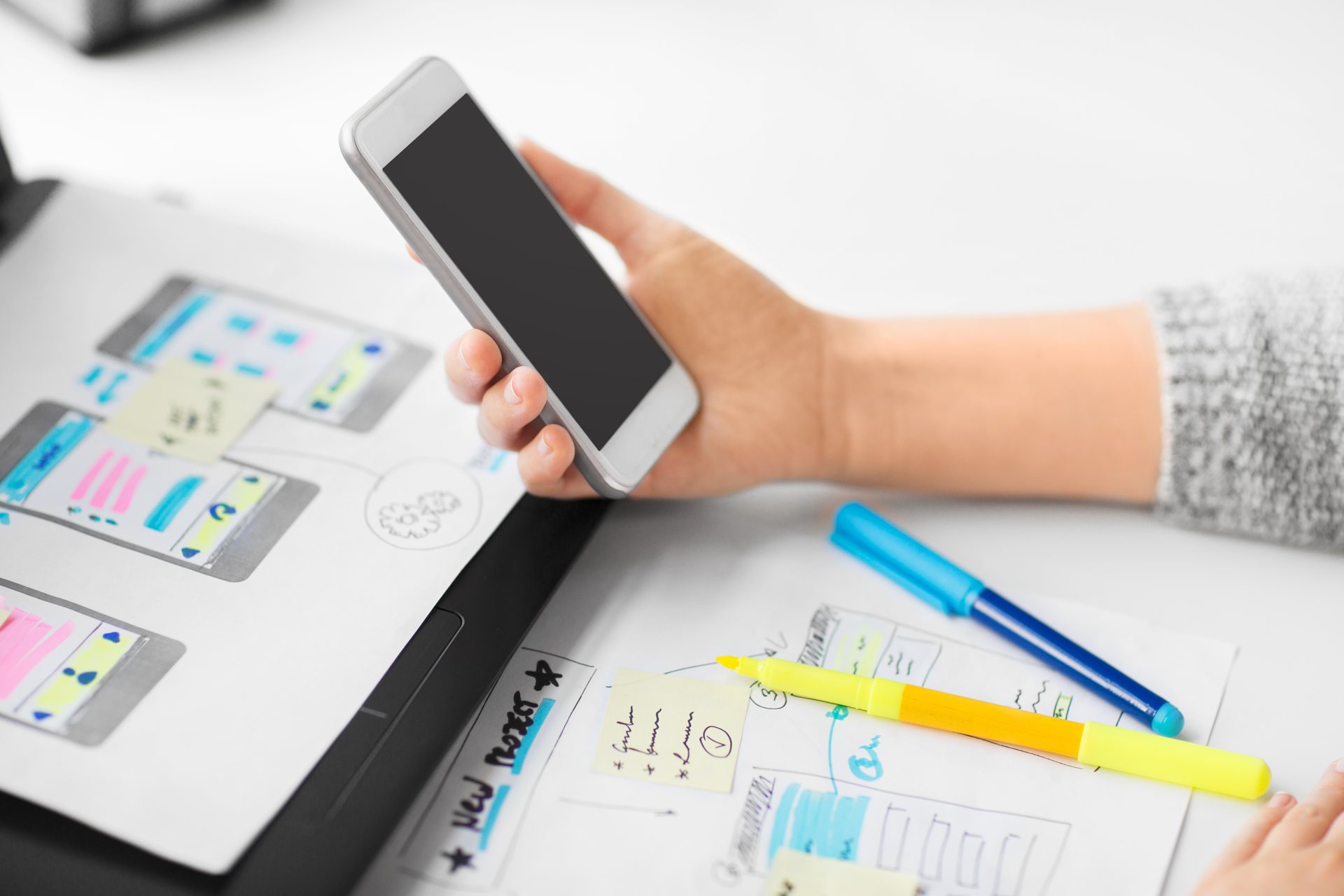
App pricing feels confusing for the same reason. Two apps can look similar on a phone screen and still cost very different amounts to build, because one may be a simple tool with a few screens while the other needs accounts, payments, a database and an admin panel. The cheapest quote often leaves out testing, store submission or the first year of fixes, and those missing pieces appear later, when they are more expensive to add.
This guide does the same for apps. Below you will find the real 2026 price ranges for simple, mid-level and complex apps, what actually drives the cost up or down, the running costs most quotes leave out, and a simple way to work out what your app should cost, before you talk to anyone trying to sell you one. You will also see how starting with an MVP, the smallest useful version of your idea, can cut the first bill and test the idea with real users before you commit to a full build.
The short answer
If you only read one section, read this one:
- Simple app: $10,000 to $50,000, for a small tool with a few screens, no accounts and no complex backend
- Mid-level app: $50,000 to $150,000, for a business app with accounts, a backend, payments and an admin panel
- Complex app: $150,000 to $300,000 or more, for a marketplace, social app or on-demand service with many user roles
- MVP first: build the smallest useful version first to test the idea, then add features that real users actually want
- Maintenance: about 15 to 20 percent of the build cost per year, for updates, fixes and store compliance
- itcroc LLC: custom apps are priced by a written fixed quote after a free discovery call, with no fixed price list
Everything after this section explains where those numbers come from, and how to tell whether a quote is fair for the app you actually want.
Six factors decide almost the entire cost. Understanding them puts you in control of the budget, before you sign anything.
What drives the price of a mobile app?
1. Platforms: iOS, Android, or both
Starting with one platform cuts the first bill, because the team designs, builds and tests for one set of devices and one store. Building for iOS and Android together costs more, as each platform needs its own build, testing and store submission, even when they share most of the design and the backend. Choose the platform your customers actually use first, then add the second one once the app is earning its keep.
2. Features and screens
Every screen and every feature adds design and development time. A simple app may need only five to eight screens, for a home view, a list, a detail view, settings and a contact screen. A business app adds accounts, profiles, bookings or payments, and each of those needs its own screens, logic and testing. Before you ask for a price, list the features your app must have on day one, and keep the nice to have ideas for a later version. That list is the main reason one quote is $20,000 and another is $120,000.
3. Backend, accounts and admin panel
An app that only shows information is cheap. An app that stores user accounts, saves data, sends notifications and lets staff manage content needs a backend, and that backend is a large part of the cost. It includes a database, user logins, security, and an admin panel where your team can view users, orders or bookings. Marketplace and social apps need even more: roles for different users, moderation tools, and systems that stay reliable as the number of users grows. If your app needs a backend, budget for it as a separate product, not as an add-on.
4. Design level
A template based design with stock screens costs less, because the layout is already decided. A custom design costs more, because a designer plans every screen, every state and every interaction for your users, then tests the flow before anything is built. Custom design also makes the app easier to use, which matters more on a phone than on a website, because a confusing screen is one tap away from being closed. For a business app, invest in custom UI and UX design, and get a free UX audit of your idea before you build.
5. Third party integrations and ongoing care
Payments, maps, chat, push notifications, analytics and accounting tools all need to be connected, tested and kept working, and each integration adds time and sometimes a monthly fee. After launch, the app still needs care: new phone system versions, store rule changes, bug fixes and small improvements. A good rule is to budget about 15 to 20 percent of the build cost per year for maintenance, so the app stays fast, secure and approved in the stores, instead of slowly breaking.
What you are actually paying for in an app
Every professional app quote is really four separate jobs bundled together. When a quote looks surprisingly cheap, one of these four has usually been quietly left out, or done so lightly that you will pay for it later. A clear quote names each part, so you can see what you are paying for and compare two quotes fairly.
Strategy and scoping. Before anything is designed, the team defines what the app must do, who it is for, which features come first and what success looks like. A clear scope stops the project growing in the middle and keeps the price fixed.
UI/UX design. A designer plans the structure, which screens in what order, the user journey and the look of every screen, then tests the flow before anything is built. Good design is what makes an app feel simple, even when the work behind it is complex.
Development. Turning the approved design into a working app, with the backend, accounts, payments and integrations, built for iOS, Android or both, and tested on real devices.
Testing and launch. Testing on real phones, fixing bugs, preparing store listings and screenshots, and submitting the app to the Apple App Store and Google Play, then supporting it through the first weeks after launch.
Is your app idea ready, or does your website need to sell it first?
Before you spend on a mobile app, it is worth checking whether the website that is supposed to sell it is doing its job. Our free UX audit reviews your current site by hand and shows where visitors drop off, and what would make them download, sign up, or enquire. A senior designer reviews it, the findings are written in plain English, and you receive them within 5 business days.
The audit itself is free, and there is no obligation to buy anything. If the audit finds work worth doing, fixes can follow through UI/UX design from $1,200 or a website rebuild from $1,300.
How much does each type of app cost?
Simple utility app. A calculator, a timer, a guide, a simple tracker, or an app that shows information with a few screens. No accounts, no payments, no backend. Market range: $10,000 to $50,000, usually built in 2 to 3 months for one platform.
Business app with accounts and backend. An app for your customers or staff, with logins, profiles, bookings, orders or payments, plus an admin panel. This is the most common business app. Market range: $50,000 to $150,000, usually 4 to 6 months.
Marketplace or social app. Two or more kinds of users, profiles, listings, messaging, reviews and payments between users. More screens, more roles, more testing. Market range: $150,000 to $300,000 or more, usually 6 months or longer.
On-demand app. Booking, delivery or service apps with live tracking, maps, notifications, payments and an admin system for drivers, staff or partners. Market range: $150,000 to $300,000 or more, depending on how many roles and live features it needs.
There is no universally right type. There is only the right type for your stage, your timeline and how much the app matters to your business.
The MVP route: start smaller, learn faster
An MVP is the smallest version of your app that still solves the main problem for real users. Instead of building every feature you can imagine, you build the core journey, launch it, and learn what people actually use. For most ideas, that cuts the first build to the simple app range, and it avoids spending months on features nobody wants.
What goes in an MVP. One clear job, done well: sign up, the main screen, the core action, and a way to get help or give feedback. Anything that is not needed for that job waits for version two.
What to leave out. Extra user roles, advanced settings, social feeds, complex admin tools and nice to have integrations. Add them later, when real use shows they are worth the cost.
Read more in our guide to MVP development cost, then use what you learn there to plan a first version you can launch in 2 to 3 months, not a year.
The running costs most app quotes leave out
The build price is not the total price of owning an app. These costs arrive every year, and leaving them out of your budget is how apps quietly break, fall out of date, or disappear from the stores.
- App store fees: Apple charges $99 per year for a developer account, and Google Play charges a one time $25 fee to publish.
- Hosting and backend: servers, databases and storage for your app, usually $50 to $300 per month for a small to mid-level app, more as users grow.
- Payment processing: around 2.9 percent plus 30 cents per order, charged by the payment provider on every sale, plus any app store commission on in-app purchases.
- Maintenance and updates: about 15 to 20 percent of the build cost per year, for updates, bug fixes, security, and changes when Apple or Google change their rules.
- Paid tools and services: push notification services, analytics, email, maps or chat tools, often $20 to $200 per month in total, depending on what your app uses.
The simple way to think about it: an app with no maintenance budget is like a car with no service plan. It will run for a while, then the first problem will cost far more than regular care would have.
Fixed quote or hourly: what protects you
An app quote should protect you, not leave you carrying all the risk. A written fixed quote does that, because it names the scope, the price and the timeline before work starts. Hourly billing can work for small, open ended jobs, but without a cap it can grow far beyond the first estimate.
- No written scope. If the quote does not list screens, features, platforms and revision rounds, every disagreement later becomes a paid extra.
- No mention of testing or store submission. Silence about testing, bug fixes and store approval means those jobs will appear later, as extras.
- A price far below everyone else. Usually missing design, missing backend work, or missing the second half of the project, the part where it gets finished properly.
- Hourly billing with no cap. You carry all the risk of the project running long, with no way to know the final bill.
- No maintenance answer. Ask what happens when something breaks in month three, or when Apple changes a rule. A vague answer today is a broken app tomorrow.
- You will not own the code or the accounts. Your app code, store accounts and backend should be in your name and under your control, always.
At itcroc LLC, custom software and apps are priced by a written fixed quote after a free discovery call, with 50 percent to start and 50 percent at delivery, so you know the full price before you commit.
How to keep your app cost down without cutting corners
- Start with one platform. Launch on the platform your customers use most, then add the second platform once the app is earning its keep.
- Build an MVP first. Ship the core job, learn from real users, then add the features they actually ask for, instead of guessing in advance.
- Choose a fixed quote. A written fixed quote removes the hourly billing risk and forces the team to plan the scope properly before work starts.
- Prepare your content early. Logos, text, images, product details and logins, having them ready on day one can shorten a project by weeks.
- Plan maintenance from the start. Budget about 15 to 20 percent of the build cost per year, so updates and store changes never become an emergency.
A worked example: a mid-level business app, line by line
To make all of this concrete, here is a realistic first year budget for a mid-level business app for one platform, with accounts, payments and an admin panel. These are market ranges, not an itcroc LLC price, and they show how the parts add up.
- UI/UX design: $8,000 to $15,000, structure and design for about 12 screens, in Figma, with two revision rounds
- App development, one platform: $35,000 to $80,000, the designed app built, tested and submitted to one store
- Backend and admin panel: $10,000 to $25,000, accounts, database, payments and staff tools
- Store fees and hosting: about $600 for the first year, including the Apple developer fee and hosting
- Maintenance, first year: $7,500 to $15,000, about 15 to 20 percent of the build cost, for updates, fixes and store changes
First-year total: roughly $60,000 to $135,000. After that, the running cost is mainly hosting plus maintenance, about $10,000 to $20,000 a year, because the build is done.
So what should you budget?
Just an idea to test. Start with an MVP, $10,000 to $50,000 for a simple first version on one platform, then decide from real use.
Small business app. $50,000 to $150,000 for accounts, bookings or payments, plus about 15 to 20 percent a year for maintenance.
Marketplace or social app. $150,000 to $300,000 or more, with more roles, more screens and more testing.
Building a product to grow. Set aside a scoping budget first, then build in stages with a written fixed quote, so each stage has a clear price and a clear result.
How itcroc LLC prices a mobile app
At itcroc LLC, we do not publish a fixed price list for apps, because no two apps have the same scope. Every app is a custom build, priced by a written fixed quote after a free discovery call, so you know the full price before you commit.
- Custom Software Solutions, apps and custom software, priced by written quote after a free discovery call
- MVP development cost, start smaller with an MVP, then grow from real use
- UI/UX Design from $1,200, for the screens and flow your app needs
- Brand Identity from $600, if your app also needs a logo, colours and typography
- Website Development from $1,300, if your app needs a website or landing page alongside it
Every project is a fixed price agreed before we start, 50 percent to begin, 50 percent on delivery. No hourly billing, no hidden extras. Book a free 30 minute discovery call to start.
Frequently asked questions
How much does a simple mobile app cost?
A simple app usually costs $10,000 to $50,000 in 2026. That covers a small tool with a few screens, no accounts and no complex backend, built for one platform.
How long does it take to build an app?
A simple app takes 2 to 3 months, a mid-level app takes 4 to 6 months, and a complex app takes 6 months or more, depending on features, platforms and how quickly content and feedback are ready.
Is iOS or Android cheaper to build?
iOS and Android cost a similar amount to build. Starting with one platform cuts the first bill, because the team designs, builds and tests for one set of devices and one store, then adds the second platform later.
How much does app maintenance cost per year?
Budget about 15 to 20 percent of the build cost per year. That covers updates, bug fixes, security, and changes when Apple or Google change their store rules.
Can I start with an MVP and add features later?
Yes, and that is the route we recommend. Build the smallest useful version first, test it with real users, then add the features they actually ask for, instead of guessing in advance.
Does itcroc give a fixed quote for an app?
Yes. After a free 30 minute discovery call, itcroc LLC gives you a written fixed quote, with the scope, the price and the timeline, and terms of 50 percent to start and 50 percent at delivery.
Not sure what your app actually needs?
Start with a free UX audit. Send us your idea or your current app and a senior designer will review it by hand and send you a clear report, with what to fix first and what it should cost.
Get your free UX audit or book a free 30-minute discovery call if you would rather talk it through first.
Keep reading
Build Better Digital Experiences.
itcroc helps businesses create modern websites, UI/UX design systems, Framer landing pages, and scalable WordPress solutions for optimal performance and growth.

