

How Much Does an Animated Explainer Video Cost in 2026?
Search for explainer video prices and you will find AI tools offering a finished video for the price of a coffee, freelancers quoting a few hundred dollars, and studios quoting several thousand. All three can be the right buy — depending on what the video has to do. An explainer that sits on a help page has a simple job. An explainer that launches your product, carries your brand, and runs in paid ads has a much bigger one.

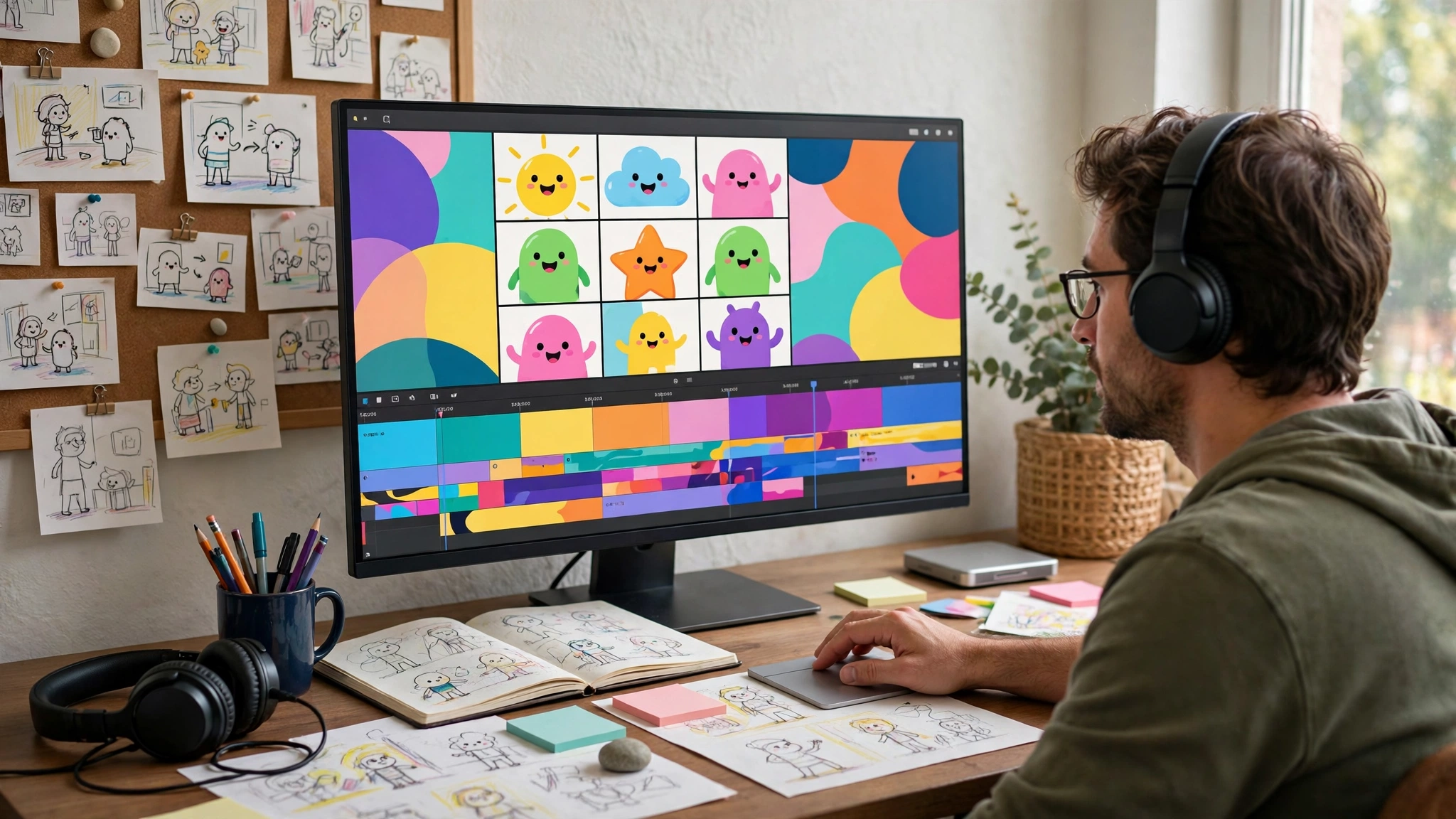
This guide breaks down the real explainer video cost in 2026: what each route includes, what drives the price up or down, where AI tools genuinely help and where they fall short, and how to spend your budget on the parts viewers actually notice.
The rest of this article explains what sits behind those numbers, so you can compare quotes on what they include — not just on price.
The short answer
If you only read one section, read this one:
- AI video tools and DIY builders: free to about $50/month. Fast and cheap, but template-based, with synthetic voiceover and little control over brand or pacing.
- Template-based production: roughly $100–$500 per video. A pre-made animation style adapted with your script, logo and colors.
- Freelance motion designers: roughly $400–$2,500 for a 60-second video, depending on experience and how much is custom.
- Studios with fixed packages: from $320 for a short, focused motion piece, rising to $3,000 and beyond for a fully custom launch video with original illustration and sound design.
- Large agencies: $10,000 and up for research-heavy campaigns with multiple deliverables.
What a proper explainer video actually includes
Script
Everything starts with words. A good script takes your product, your audience and one clear message, and compresses them into 130–150 spoken words per minute. It is the highest-leverage step in the whole project: a weak script animated beautifully is still a weak video. Professional projects include scriptwriting or at least script editing, because writing for the ear is a different skill from writing for the page.
Storyboard
The storyboard maps the script to scenes: what appears on screen while each line is spoken. This is where pacing is decided and where problems are cheap to fix. Changing a scene at storyboard stage costs minutes; changing it after animation costs days.
Styleframes
Styleframes are finished still images showing the video's visual direction — character design, colors, typography, backgrounds. They lock the look before animation begins, so you approve the style, not a surprise. Skipping styleframes is one of the main reasons cheap videos end up looking nothing like the buyer's brand.
Animation
The craft step itself: characters move, objects transform, text lands at the right moment. Quality here is a spectrum, from template motion (elements sliding in on presets) to fully custom animation with character acting and scene transitions designed shot by shot. This is usually the largest cost block, and the one where experience shows most.
Voiceover
A professional voice artist brings warmth, timing and credibility that text-to-speech still struggles to match, especially for anything emotional or humorous. Voiceover cost varies with the artist, the language, the accent and usage rights — a voice used in paid advertising typically costs more than one used only on your own website.
Sound design, music and revisions
Sound design and music
Music sets the energy; sound design — the small whooshes, pops and clicks synced to the motion — makes animation feel physical and polished. Licensed music is usually included in studio packages; original composition costs extra and is rarely necessary for a standard explainer.
Revisions
Every professional package states how many revision rounds are included, typically two or three at defined stages. Revisions are not a sign something went wrong — they are how the video gets tuned to your product and your ear. What matters is knowing the rounds in advance, so feedback stays focused and the price stays fixed.
When one quote is dramatically cheaper than another, run down this list and ask which steps disappeared. The answer is almost always: the script was left to you, the styleframes were skipped, the voice is synthetic, and the animation is a template.
Is your explainer video doing its job, or just filling a page?
An explainer video is only worth its price if it helps visitors understand your product and take the next step. Our free UX audit reviews your website by hand and shows where visitors get stuck, and whether a clearer page, or a video in the right place, would help. A senior designer reviews it, the findings are written in plain English, and you receive them within 5 business days.
The audit itself is free, and there is no obligation to buy anything. If the audit finds work worth doing, fixes can follow through UI/UX design from $1,200 or a website rebuild from $1,300.
What drives the price up or down?
Five factors explain almost every difference in explainer video cost.
Length: 30 vs 60 vs 90 seconds
Animation is priced, directly or indirectly, per finished second. As a rough guide:
- 30 seconds suits a single message: an ad, a feature announcement, a landing page hero loop. Least writing, fewest scenes, lowest cost.
- 60 seconds is the classic explainer length: enough room for a problem, a solution and a call to action. Most business explainers land here.
- 90 seconds fits products that need more explanation — a workflow, a platform, a service with steps. More script, more scenes, more animation time.
Doubling the length does not quite double the price — the script, style and setup work is shared — but it comes close on the animation side. The smartest cost control is a tighter script, not cheaper animation.
Custom illustration vs templates
Original illustration drawn for your brand costs more than stock characters and template scenes, and it is also the difference between a video that could belong to anyone and one that is unmistakably yours. If the video will front a launch or represent the company for years, custom illustration is usually worth it. For an internal or short-lived video, templates are a rational saving.
Voiceover
A synthetic voice is nearly free. A professional voice artist adds a real line item, scaled by usage: website-only use is cheapest, paid advertising and broadcast use cost more, and multiple languages multiply the fee. For brand-facing videos, this is one of the best-value upgrades available — viewers forgive simple animation far sooner than they forgive a robotic voice.
Complexity
Character animation costs more than icon and text animation. Multiple characters, detailed environments, product interfaces recreated in motion, and intricate transitions all add hours. A clean, simple style executed well almost always beats an ambitious style executed cheaply.
Deadline
Animation has a natural rhythm: script, board, style, animate, polish. Compressing it means evenings, weekends and re-sequencing a studio’s other work — so rush jobs carry a premium, when they are possible at all. If your launch date is fixed, brief the video early; it is the easiest discount in the whole project.
Freelancer vs studio: an honest comparison
Both routes can produce a good video. The difference is in what surrounds the animation.
Freelancers
A freelancer is one skilled person: lower overhead, direct communication, and prices roughly between $400 and $2,500 for a typical 60-second piece. The trade-offs are capacity and coverage. If your freelancer does not write scripts, you need a writer. If they fall ill before your launch, there is no bench. And quality control is you — there is no second pair of senior eyes built into the process.
Studios
A studio brings the whole chain under one roof: script, design, animation, voice casting and sound, managed against a fixed package and a delivery date. Prices start higher than a solo freelancer's floor but are usually fixed in advance, which matters when the video is tied to a launch. At itcroc LLC, motion design is packaged exactly this way — the price you agree is the price you pay, with the craft steps above included rather than quoted as surprises.
A note on AI video tools
AI video tools are fast and cheap for drafts, internal content and experiments. They cannot draw your product, direct a story, match a human voice or stay consistent between scenes. For the video that introduces your product to the market, the craft steps are the product.
How to choose
Choose a freelancer when your budget is tight, your timeline is flexible and you can supply a finished script. Choose a studio when the video carries a launch, a campaign or the homepage — the places where a miss costs more than the saving.
AI video tools in 2026: what they do well, and where they fall short
AI video tools have improved fast, and pretending otherwise would be dishonest. For some jobs, they are now genuinely the sensible choice.
Where they do well. Turning a blog post or a script into a passable narrated slideshow takes minutes. Stock footage selection, captioning, resizing for different platforms and rough first drafts are all strong. For internal updates, quick social clips, or testing whether a message works before investing in production, AI tools are hard to beat on speed and price.
Where they fall short. The weaknesses show up exactly where a launch video lives:
- Brand control. Template characters and stock scenes are shared with thousands of other businesses. Your product, your interface and your visual identity cannot be drawn by a tool that only assembles existing pieces.
- Story and pacing. AI assembles; it does not yet direct. The pause before a reveal, the visual joke that lands the message, the scene that breathes — these come from a storyboard made by someone thinking about your viewer.
- Voice. Synthetic voices are clear but flat, and audiences feel it. For anything meant to build trust — a launch, a homepage, an ad — flat is expensive in a way the invoice does not show.
- Consistency. Character appearance, color and style can drift between scenes and between videos, which quietly undermines the recognition a brand video exists to create.
- Rights and originality. Stock-based output can resemble a competitor’s video built from the same library, and usage terms vary by tool and plan.
Our honest verdict: use AI tools for drafts, internal content and experiments. For the video that introduces your product to the market, the craft steps — script, storyboard, custom style, human voice — are the product. This is the same judgment call businesses make with their website itself: our guide on how much a website costs shows where the DIY route works and where it quietly stops working.
Where motion pays off
An explainer earns its cost when it works in several places at once. The highest-value placements we see:
Landing pages. A short explainer above the fold answers “what is this and why should I care” in under a minute, in the visitor’s laziest possible format. Paired with strong page design — the work of a good UI/UX design process — it turns skimmers into readers.
Product launches. Launch day is the one moment your whole audience is watching at once. A launch video gives press, partners and social followers the same crisp version of the story, and gives your team an asset they can reuse for months.
Paid ads. Short cuts of an explainer — 15 and 30 seconds — make natural ad creative: the message was built to be compressed, and the brand style is already consistent. One production can supply a campaign.
Onboarding. A 60-second animated walkthrough inside your product or welcome email answers the questions every new user asks, in a format they will actually finish. Support teams feel this one in their ticket queue.
Sales and investors. An explainer is a pitch that never has an off day: same clarity, same energy, forwarded intact. Decks get skimmed; a good minute of video gets watched.
The common thread: motion pays off where attention is scarce and the message must land first time. If the video will only ever sit on one low-traffic page, spend less. If it will front the launch, spend on the craft.
Our prices, in the open
At itcroc LLC, motion comes in three fixed packages, agreed before we start — 50% to begin, 50% on delivery:
Motion Launch — $320
A short, focused motion piece — the essentials done properly, ideal for a feature announcement, a social campaign or a first product video.
Motion Growth — $1,300
A fuller explainer with more custom work — our most popular level for product and service launches.
Motion Scale — $3,000
The most custom tier for launch-critical videos, with the deepest illustration, animation and polish.
Every package follows the same process: script, storyboard, styleframes, animation, voiceover and sound, with revision rounds agreed up front. And because the same studio designs the pages the video lives on, most clients pair a launch video with website development (from $1,300) so the film and the site launch together, in one consistent style.
Frequently asked questions
How much does a 60-second explainer video cost?
Typical ranges run from almost nothing with AI tools, through roughly $400–$2,500 with a freelancer, to fixed studio packages that start lower for short pieces and rise with custom work. At itcroc LLC, motion packages run from $320 to $3,000 depending on scope. Compare what is included — script, voiceover and custom illustration move the price more than the runtime does.
Why do quotes for the same video vary so much?
Because they are not the same job. One quote buys template animation and a synthetic voice with the script left to you; another buys scriptwriting, storyboards, styleframes, custom illustration, a professional voice artist and sound design. Ask each provider to list the steps included, then compare like with like.
How long does an explainer video take to make?
A short, focused piece typically takes one to two weeks; a fully custom 60–90 second explainer usually runs three to five weeks, mostly depending on feedback speed at the script and storyboard stages. Rush timelines are sometimes possible, but animation compresses poorly — briefing early is the reliable way to hit a launch date.
Do I need to write the script myself?
Not with a studio package. Scriptwriting or script editing is part of a proper production, because writing for the ear is a specialist skill. You will know your product best, so expect a working session and a script draft to react to — but the blank page is our job, not yours.
Can AI make my explainer video instead?
For drafts, internal videos and quick social clips, yes — AI tools are fast and cheap. For a launch or brand video, their limits are brand control, storytelling, voice quality and consistency. A common middle path is testing your message with an AI draft, then producing the public version properly.
What do I receive at the end of the project?
The finished video in the formats and sizes you need — typically a master file for your website and launch, plus social-ready versions where the package includes them. At itcroc LLC, final payment means the deliverables are yours to use across your site, ads and channels.
Planning a video? Start with the message
Every good explainer starts as one clear sentence: what you do, who it is for, and why it matters. Get that sentence right and the rest — script, style, length, budget — falls into place around it.
If you are planning a launch or a campaign, book a free 30-minute discovery call and we will talk through your video honestly: what length it needs, what level of custom work suits it, and a fixed price before you commit to anything.
Not sure your current pages are ready to carry a video? Start with a free UX audit: a senior designer reviews your site by hand and sends a clear report within 5 business days, including where motion would help your message most.
Keep reading
Build Better Digital Experiences.
itcroc helps businesses create modern websites, UI/UX design systems, Framer landing pages, and scalable WordPress solutions for optimal performance and growth.

